
Address Label Template, Edit in Canva, Fun & Whimsical Designs with Curvy Border, Change Colors, Printable 4 x 2" and 2.625 x 1" Sizes
$7.00
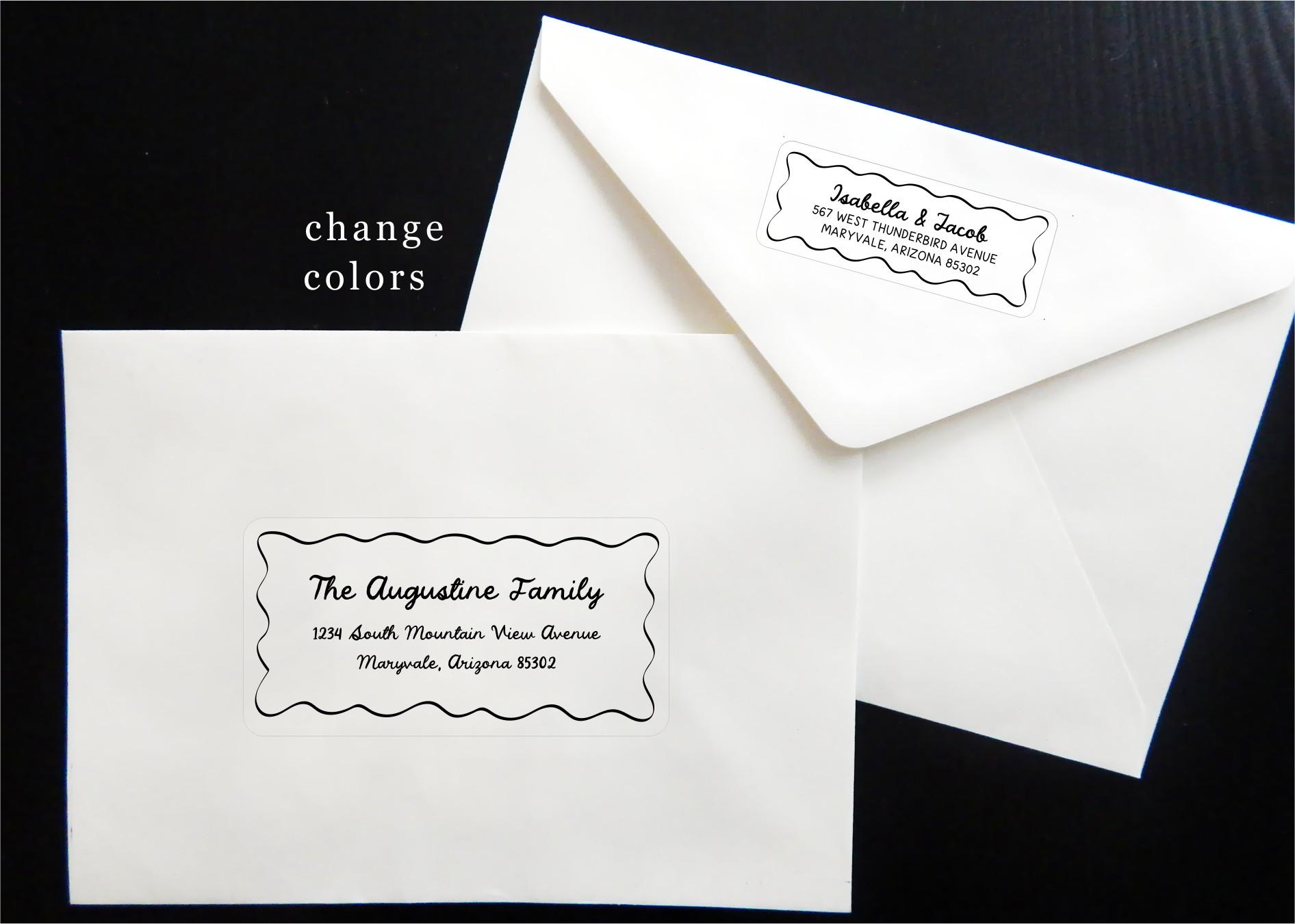
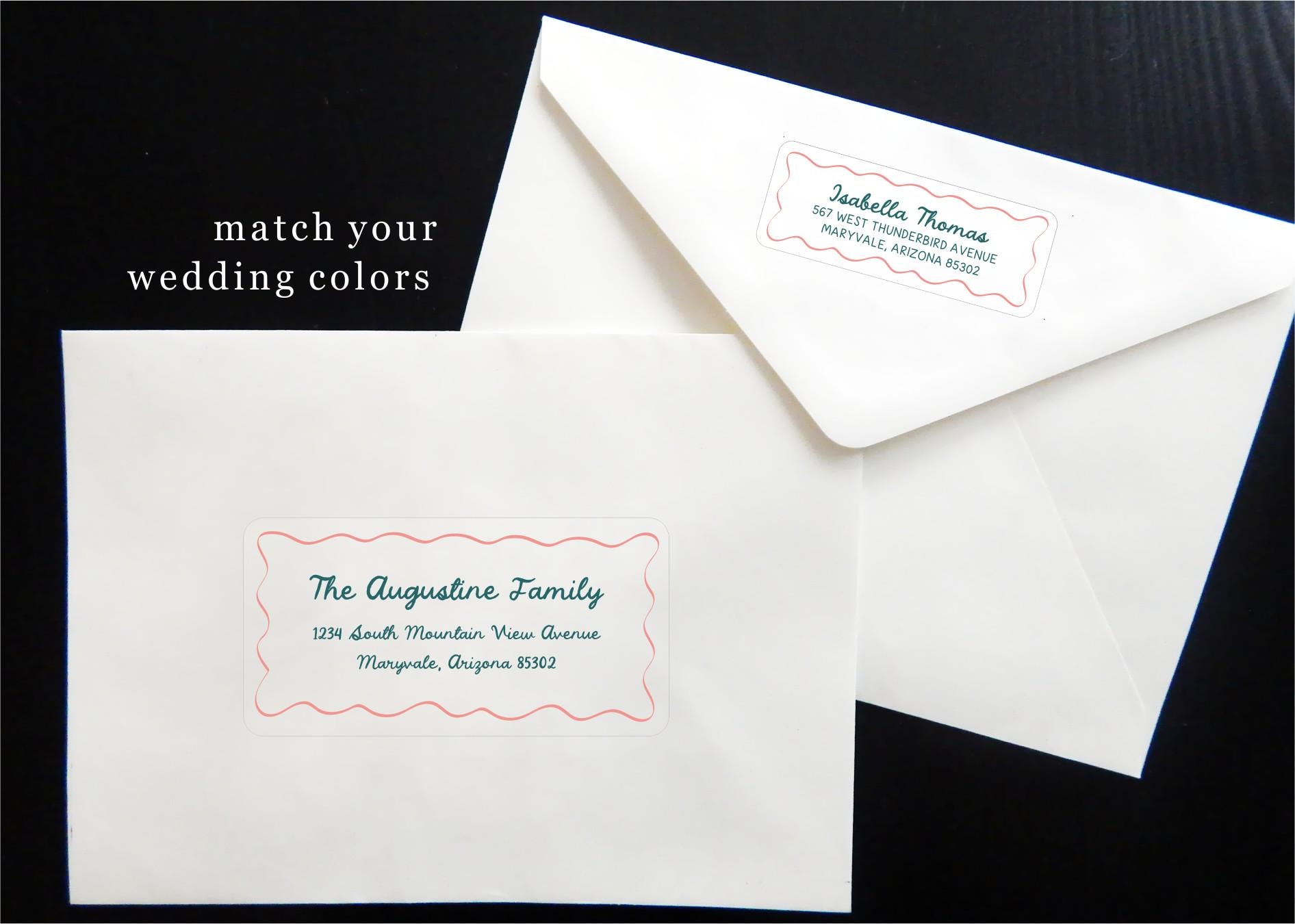
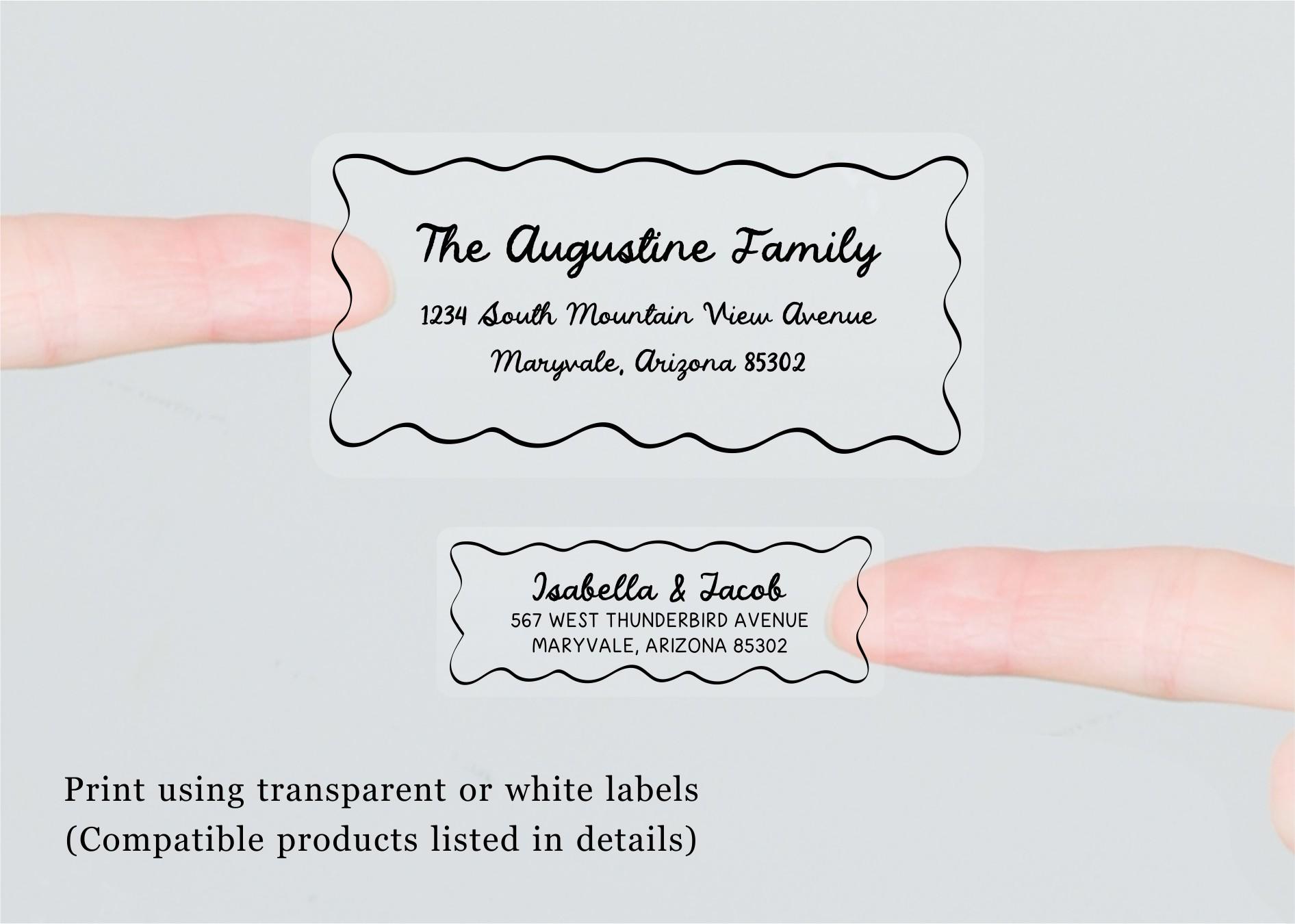
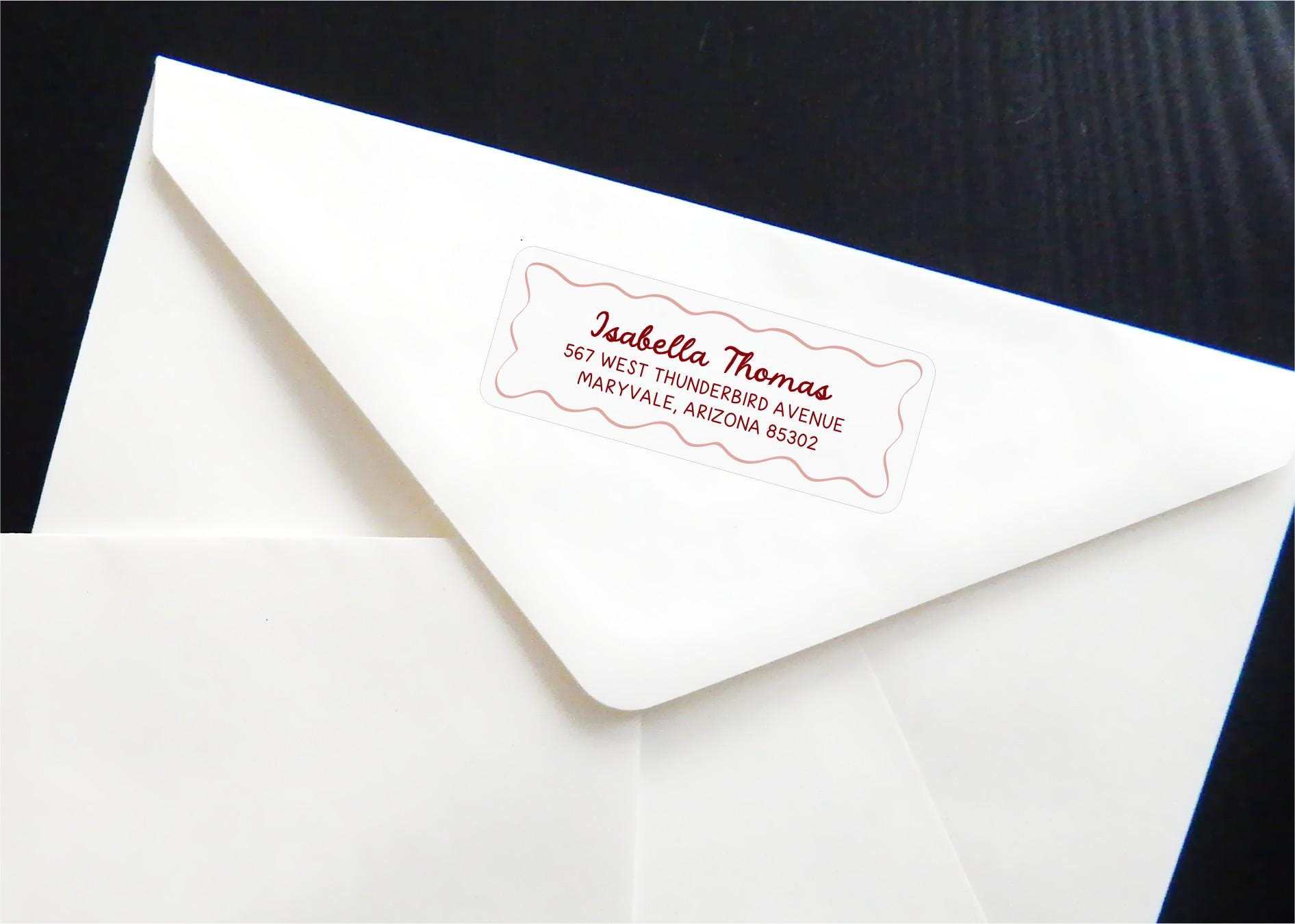
Add a playful, modern touch to your mail with these coordinating address and return address label templates. The design combines a handwritten-style script font with a clean, easy-to-read san serif font, framed by a hand-drawn curvy border for a lighthearted, whimsical look that still feels polished and versatile. Perfect for wedding invitations, holiday cards, announcements, and more, these designs are convenient and easy to print on compatible Avery labels*.
Included with your purchase is:
-a PDF with instructions and links to your Canva templates
-a Canva address template for Avery labels*
-a Canva return address template for Avery labels**
(If you need another format or size, message me prior to making your purchase.)
*Address label template is compatible with the following Avery products:
15513, 15702, 16791, 18163, 18863, 48163, 48263, 48363, 48807, 48863, 5137, 5263, 55163, 5523, 55463, 5163, 58163, 5963, 6427, 6527, 6528, 8163, 8253, 8363, 8463, 85563, 8923, 95523, 95910, 95945
**Return address label template is compatible with the following Avery products:
15509, 15660, 15700, 15960, 16460, 16790, 18160, 18260, 18660, 22837, 28660, 38260, 45160, 48160, 48260, 48460, 48860, 48960, 5136, 5160, 5260, 55160, 5520, 55360, 5620, 5630, 5660, 58160, 58660, 5960, 6240, 6521, 6525, 6526, 6585, 80509, 8160, 8215, 8250, 8460, 85560, 8620, 8660, 88560, 8860, 8920, 95520, 95915, Presta 94200, Presta 97180
The process is simple!
For the address template:
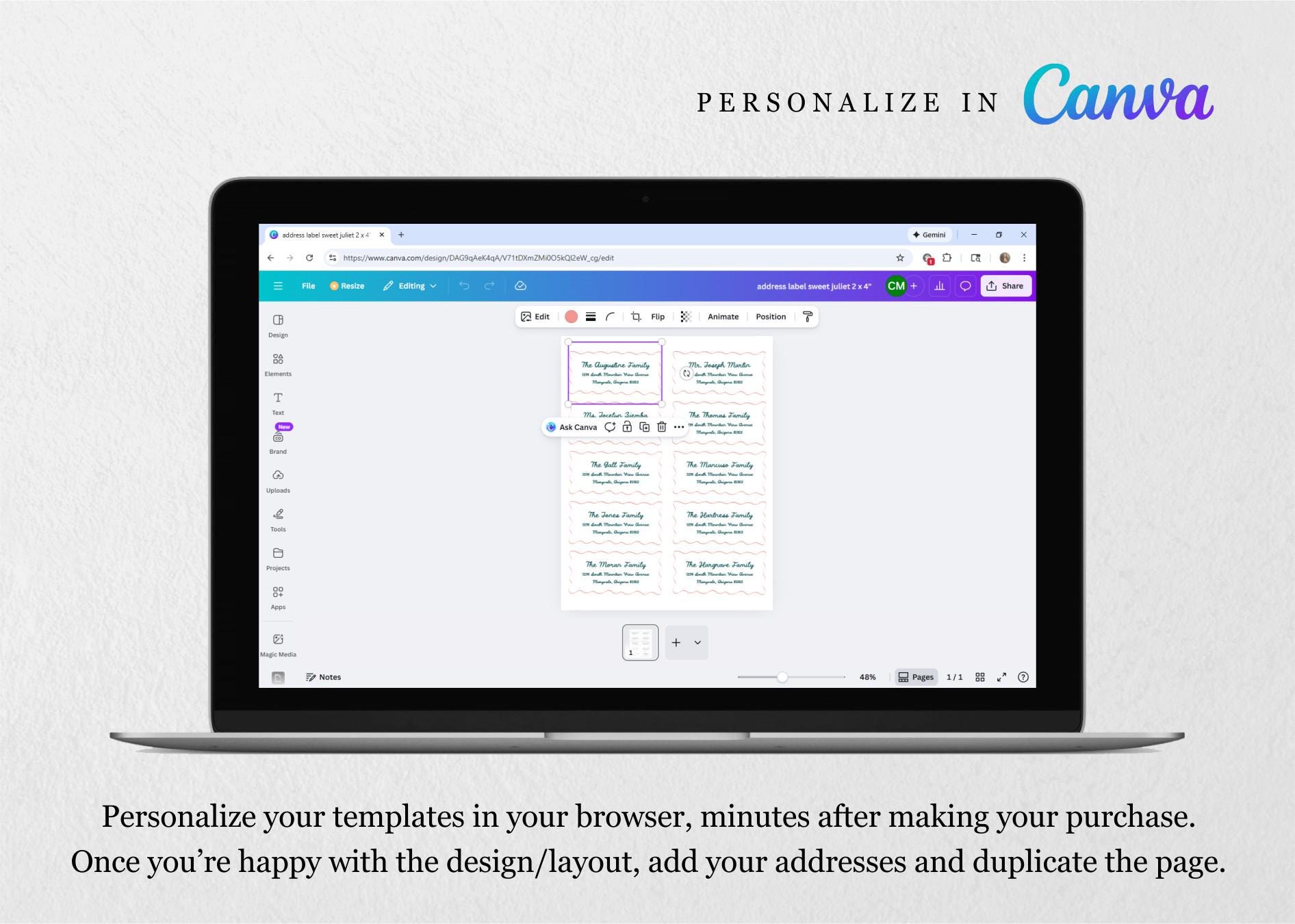
1 - Access your template in Canva. (If you don’t already have a Canva account, you’ll be prompted to create one – it’s free!)
2 - Change colors, fonts, font sizes, etc. and then enter your addresses. Duplicate the page and repeat the process as needed.
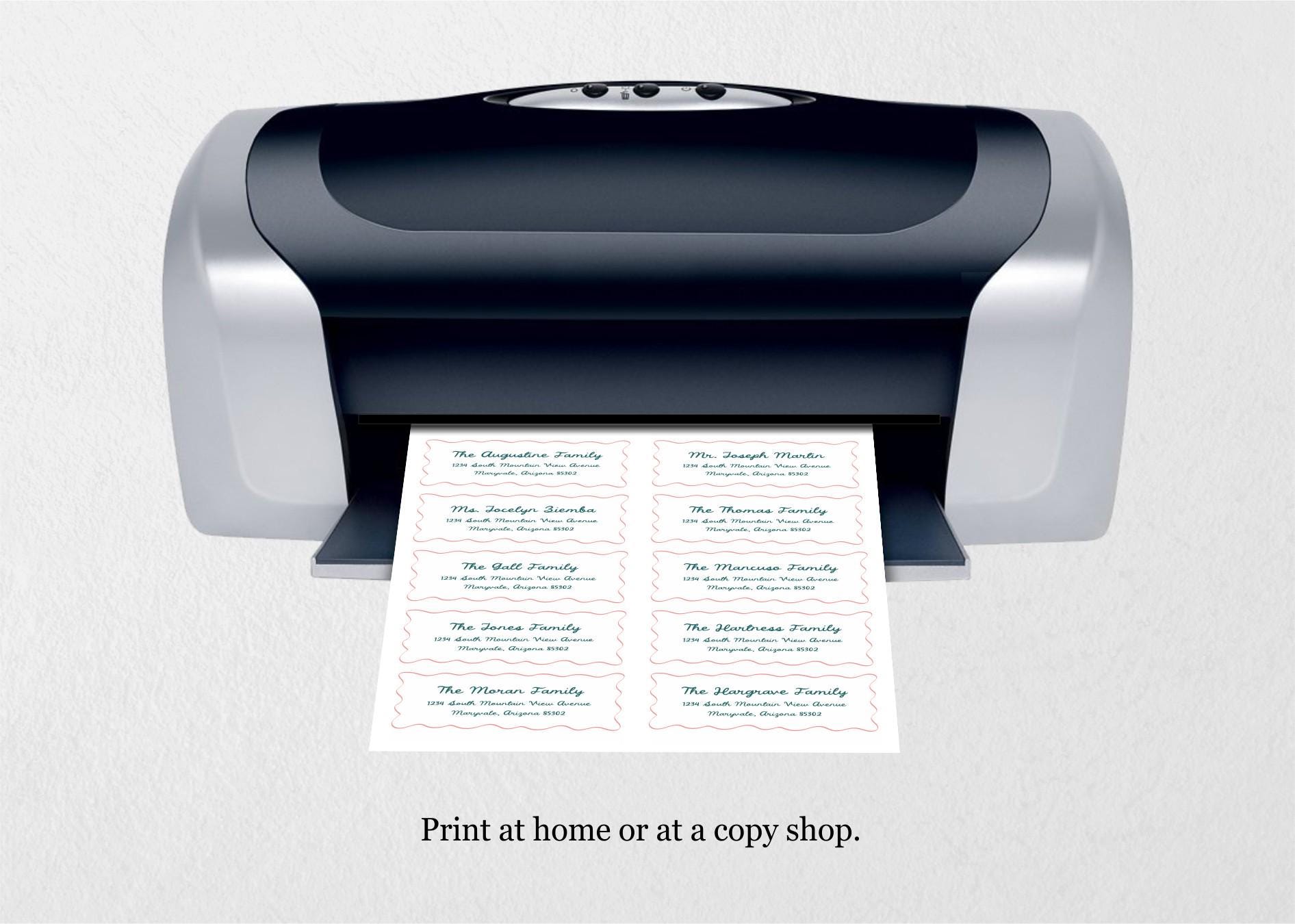
3 - Download a PDF to your computer. Print at 100% / Actual Size (do not scale) and use your printer’s label or heavy paper setting if available.
For the return address template:
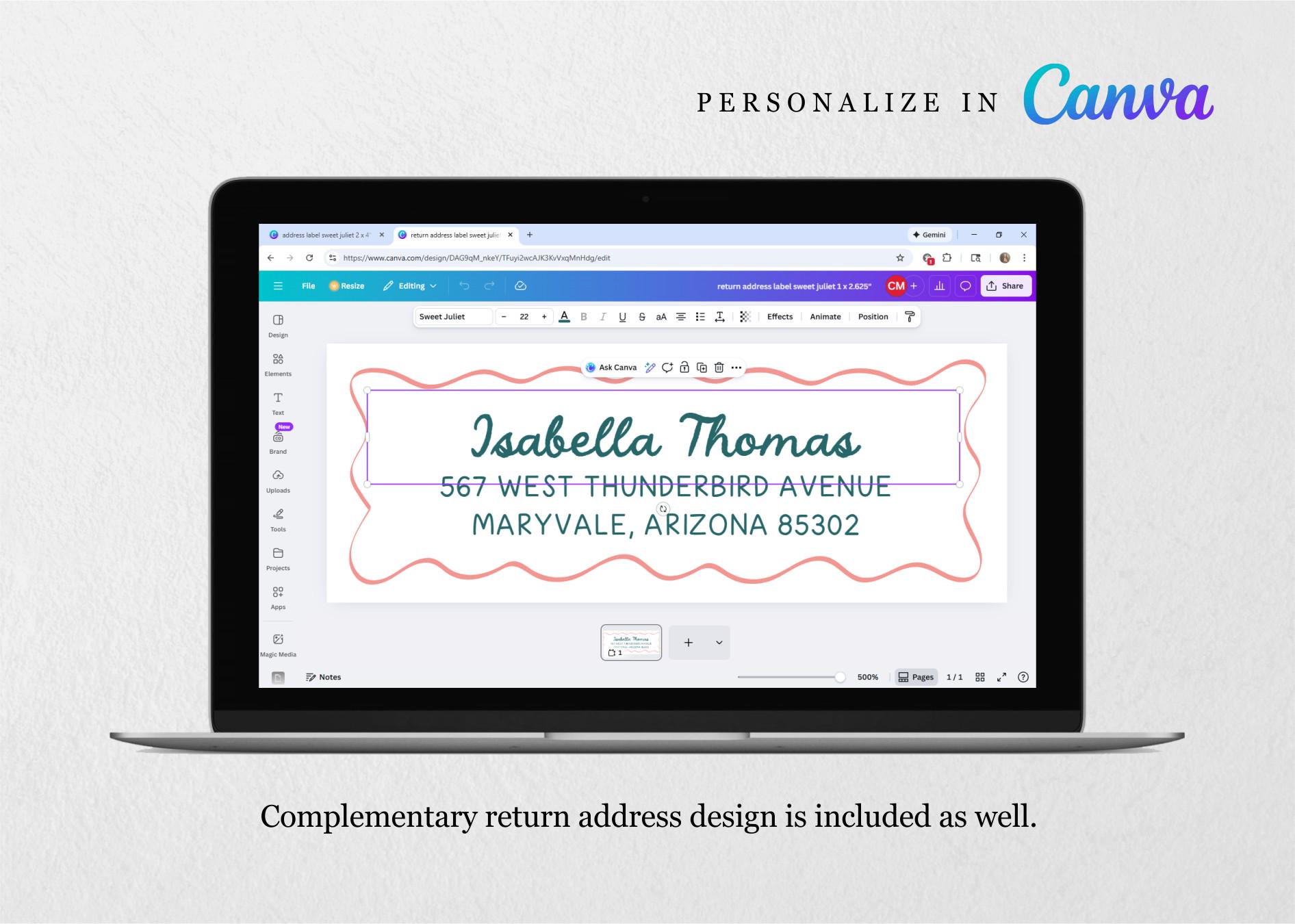
1 - Access your template in Canva. (If you don’t already have a Canva account, you’ll be prompted to create one – it’s free!)
2 - Change colors, fonts, font sizes, etc. and then enter your address.
3 - Download a PNG to your computer and use with a compatible Avery label template. Print at 100% / Actual Size (do not scale) and use your printer’s label or heavy paper setting if available.
QUESTIONS?
Shoot me a message, I'm happy to answer questions for you.
Digital downloads
Your files will be available to download once payment is confirmed.
Frequently Asked Questions
Copyright
Instant Invitation owns the copyright for all listed designs. Products sold are for personal use only and may not be copied, resold or redistributed in any form, in part or in whole.
Where can I print digital files?
Most of my designs will look amazing printed from an ordinary home printer. Just be sure to select the better/best print quality option for your printer.
For professional printing, I recommend Prints of Love. They offer high-quality printing and great customer service. When you use my link below, you'll receive free shipping and envelopes: https://printsoflove.com/ref/instantinvitation
Use discount code "INSTANTINVITATION10" at Prints of Love checkout for 10% off your order of $49 or more.
How long does access to my template(s) last?
If you purchase a PDF template, access lasts forever. If you purchase a template that's made available through Corjl, you'll have access to the template(s) for 60 days from the point of your purchase -- unless stated otherwise in the listing. However, once you've personalized your template and downloaded PDF/JPGs of your personalized design, those are yours to keep forever.